
How to use your T-Dogs office
Your office is where you see orders, ring up sales, and change your website. Only you can get in. You can't break anything by looking around.
How to get in
On your phone, open tdogscatering.com/admin
Or open tdogscatering.com, scroll to the very bottom, and tap Owner login. Your phone remembers you, so most days it opens right up.
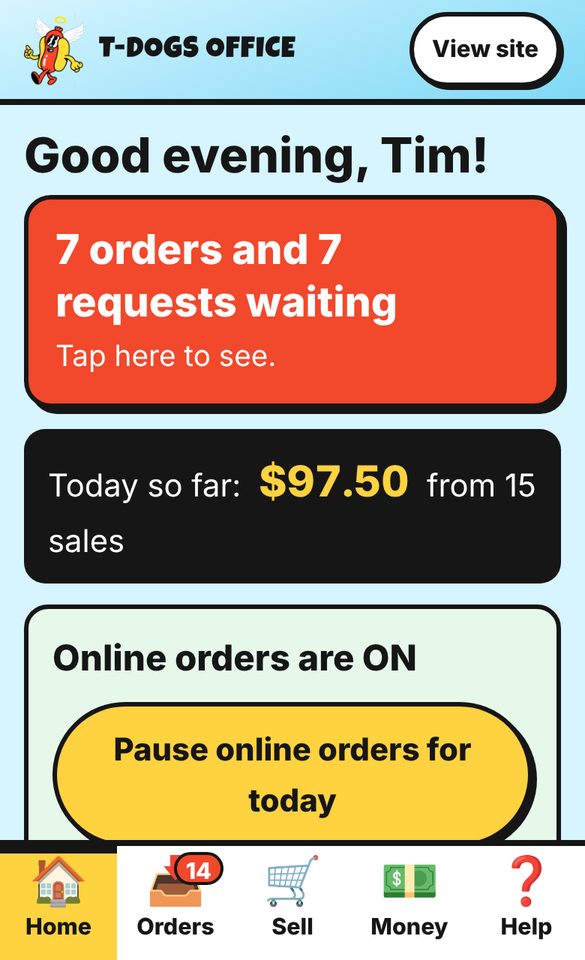
1Home
One big button for each job. Lost? Tap Home at the bottom left.
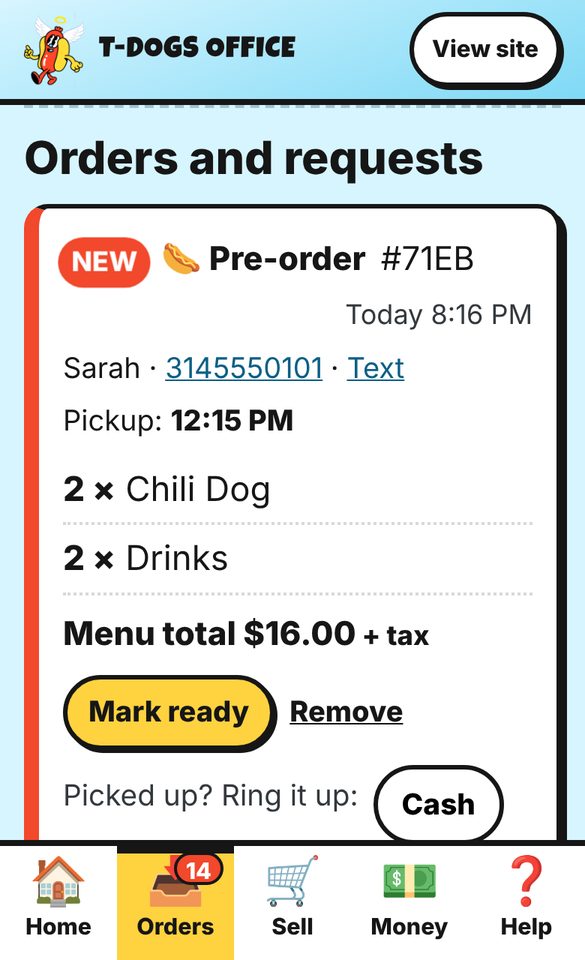
2Orders
Website orders land here. Tap Mark ready when it's done, then tap how they paid.
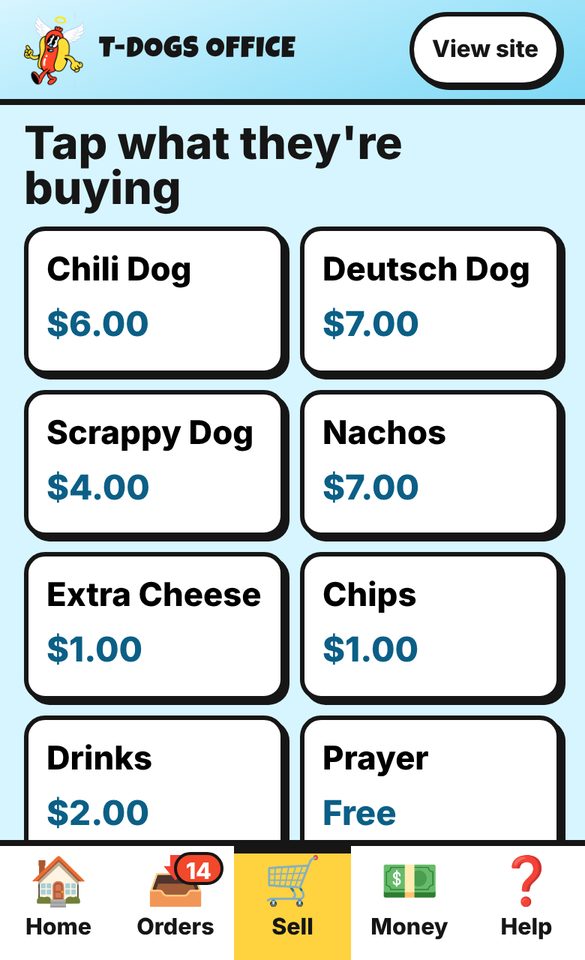
3Sell
At the cart: tap what they're buying, tap how they pay, tap Complete sale.
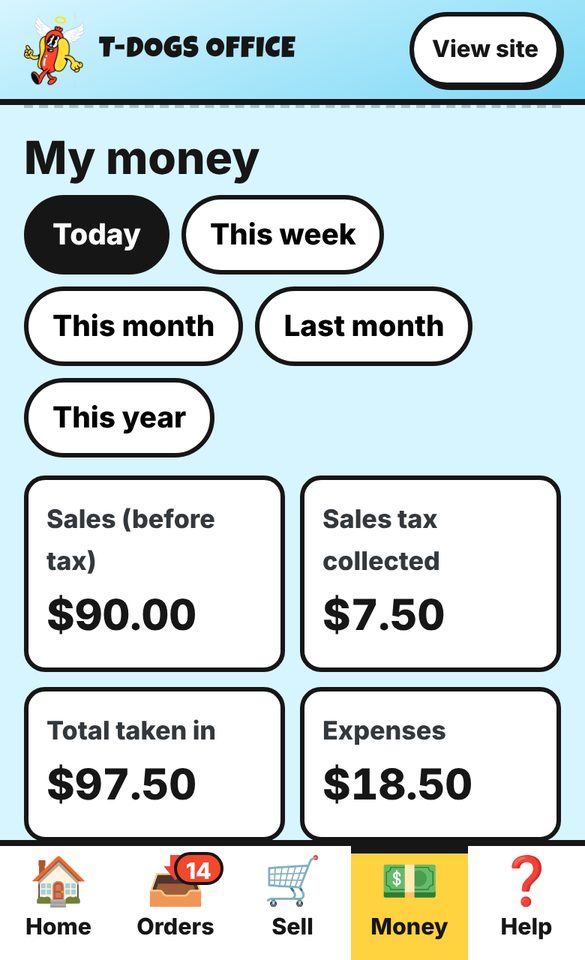
4Money
See what you made today, this week or this month, and the sales tax to set aside.
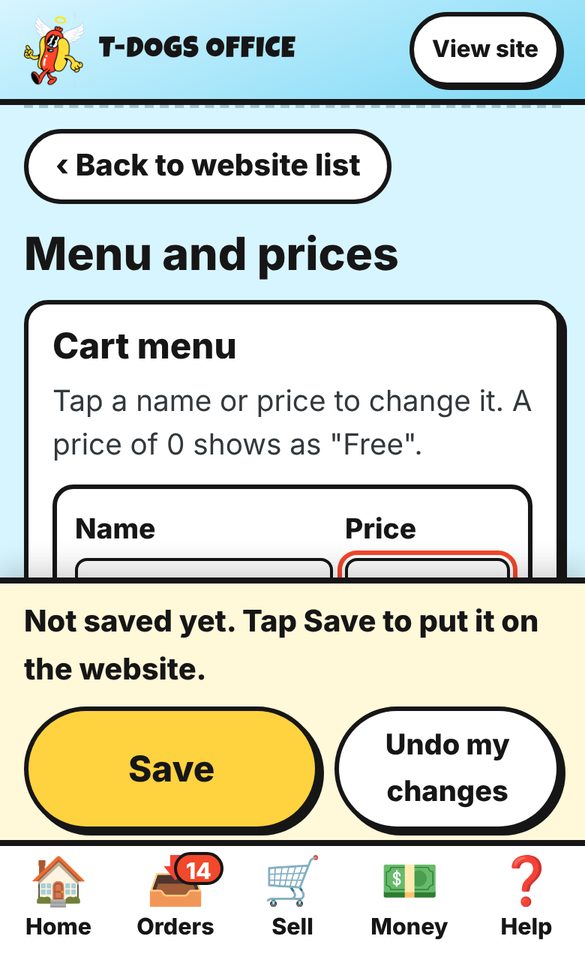
5Change a price
Home, Change my website, Menu and prices. Type the new price. Tap Save.
6Help
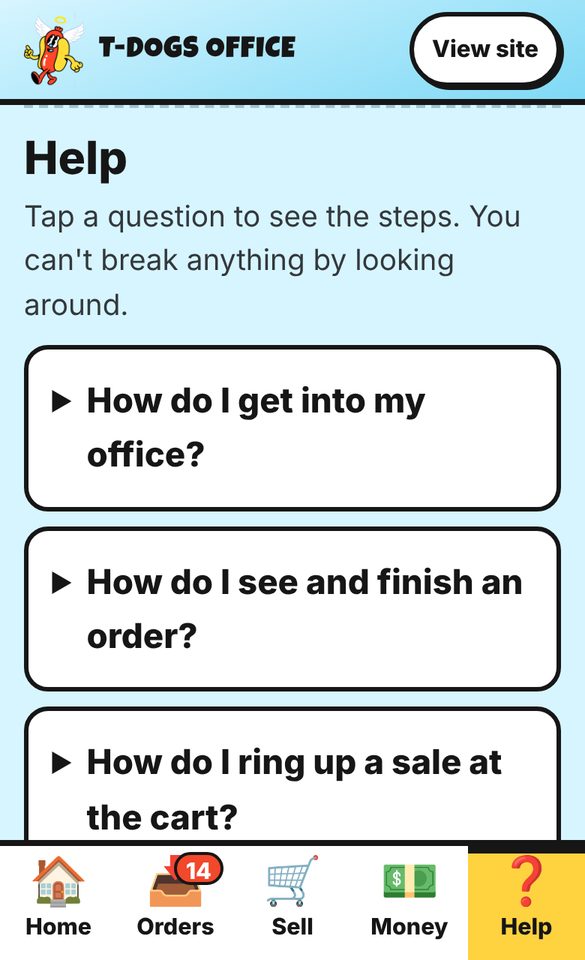
Tap Help at the bottom right for simple steps, bigger words, and a quick tour.
Good to know
- It asks "Are you sure?" before deleting. Most changes have an Undo button.
- Customers don't see website changes until you tap the yellow Save button.
- Punch cards: after a sale, type their phone number and tap Punch their card.
- Forgot your password? Ask whoever set up your site for your reset link.